face_recognition 在 windows 下安装与使用
face_recognition 是一个强大、简单、易上手的人脸识别开源项目,并且配备了完整的开发文档和应用案例,特别是兼容树莓派系统。
最近想用树莓派做一个监控摄像头的项目,准备现在 windows 上把程序先做好再部署到 linux 上,但是官方并不推荐在 windows 上使用。以下是我的踩坑之旅
本地环境
安装 dlib
第一步时就出现了巨大折磨
对于这个问题,只是少了一个 cmake 库,好搞
但是安装之后还是有问题

应该是没有 visualStudio 的编译器
于是我去 visual studio 的官网上安装了以下两个组件

再装下 dlib 库试试
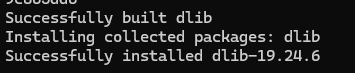
就这么水灵灵的撞上了。
安装 face_recognition
剩下的就要简单很多了,直接运行
pip 指令试一试
`完美,安装成功了`
BUT

又又又又又出现了问题,缺少 face_recognition_models
按照提示试一下
尝试运行时又出现错误

这是因为缺少 setuptools 库

ok, 完美!终于装好这个库了
写个 demo 试一下
用了一张网上的 ai 人像

识别效果
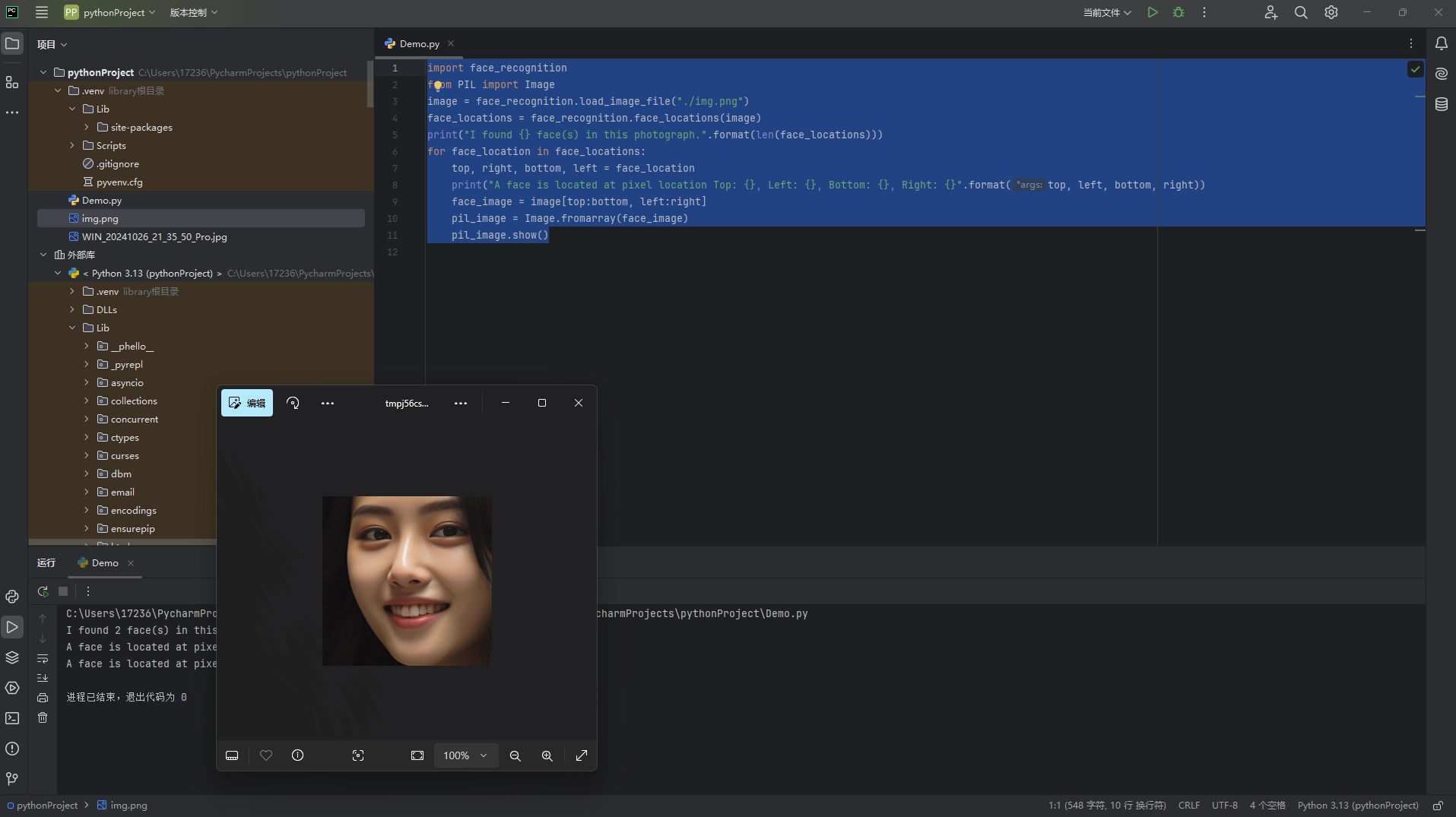
看起来不错 识别了两张人脸,大失败啊
El psy congroo
OS: Windows 11
IDE: pycharm
python: 3.12
CMake is not installed on your system!

      Or it is possible some broken copy of cmake is installed on your system.
      It is unfortunately very common for python package managers to include
      broken copies of cmake.  So if the error above this refers to some file
      path to a cmake file inside a python or anaconda or miniconda path then you
      should delete that broken copy of cmake from your computer.

      Instead, please get an official copy of cmake from one of these known good
      sources of an official cmake:
          - cmake.org (this is how windows users should get cmake)
          - apt install cmake (for Ubuntu or Debian based systems)
          - yum install cmake (for Redhat or CenOS based systems)

      On a linux machine you can run which cmake to see what cmake you are
      actually using.  If it tells you it's some cmake from any kind of python
      packager delete it and install an official cmake.

      More generally, cmake is not installed if when you open a terminal window
      and type
         cmake --version
      you get an error.  So you can use that as a very basic test to see if you
      have cmake installed.  That is, if cmake --version doesn't run from the
      same terminal window from which you are reading this error message, then
      you have not installed cmake.  Windows users should take note that they
      need to tell the cmake installer to add cmake to their PATH.  Since you
      can't run commands that are not in your PATH.  This is how the PATH works
      on Linux as well, but failing to add cmake to the PATH is a particularly
      common problem on windows and rarely a problem on Linux.
pip install cmake
pip install dlib
pip install face_recognition
pip install git+https://github.com/ageitgey/face_recognition_models
pip install setuptools
import face_recognition
from PIL import Image
image = face_recognition.load_image_file("./img.png")
face_locations = face_recognition.face_locations(image)
print("I found {} face(s) in this photograph.".format(len(face_locations)))
for face_location in face_locations:
    top, right, bottom, left = face_location
    print("A face is located at pixel location Top: {}, Left: {}, Bottom: {}, Right: {}".format(top, left, bottom, right))
    face_image = image[top:bottom, left:right]
    pil_image = Image.fromarray(face_image)
    pil_image.show()
评论加载中…